The Display
The screen you sit in front of for ten hours a day, finally engineered like it.
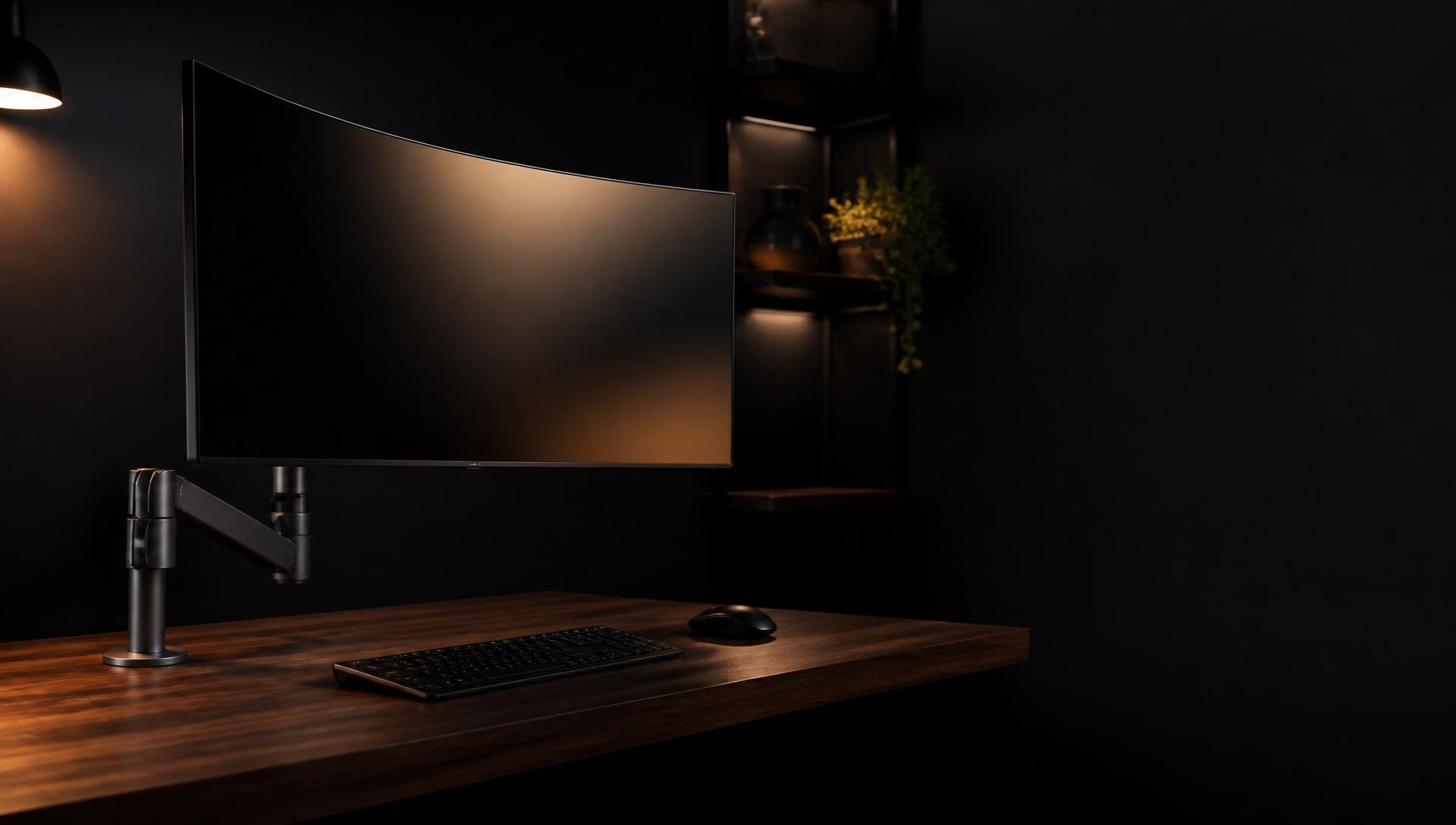
A 39-inch 5K2K retina ultrawide on a counter-balanced aluminium arm. One cable from your laptop. One screen that does everything. Built for the people who spend their working life staring at one.
The Apex Display
One screen. One cable. One arm that does everything.
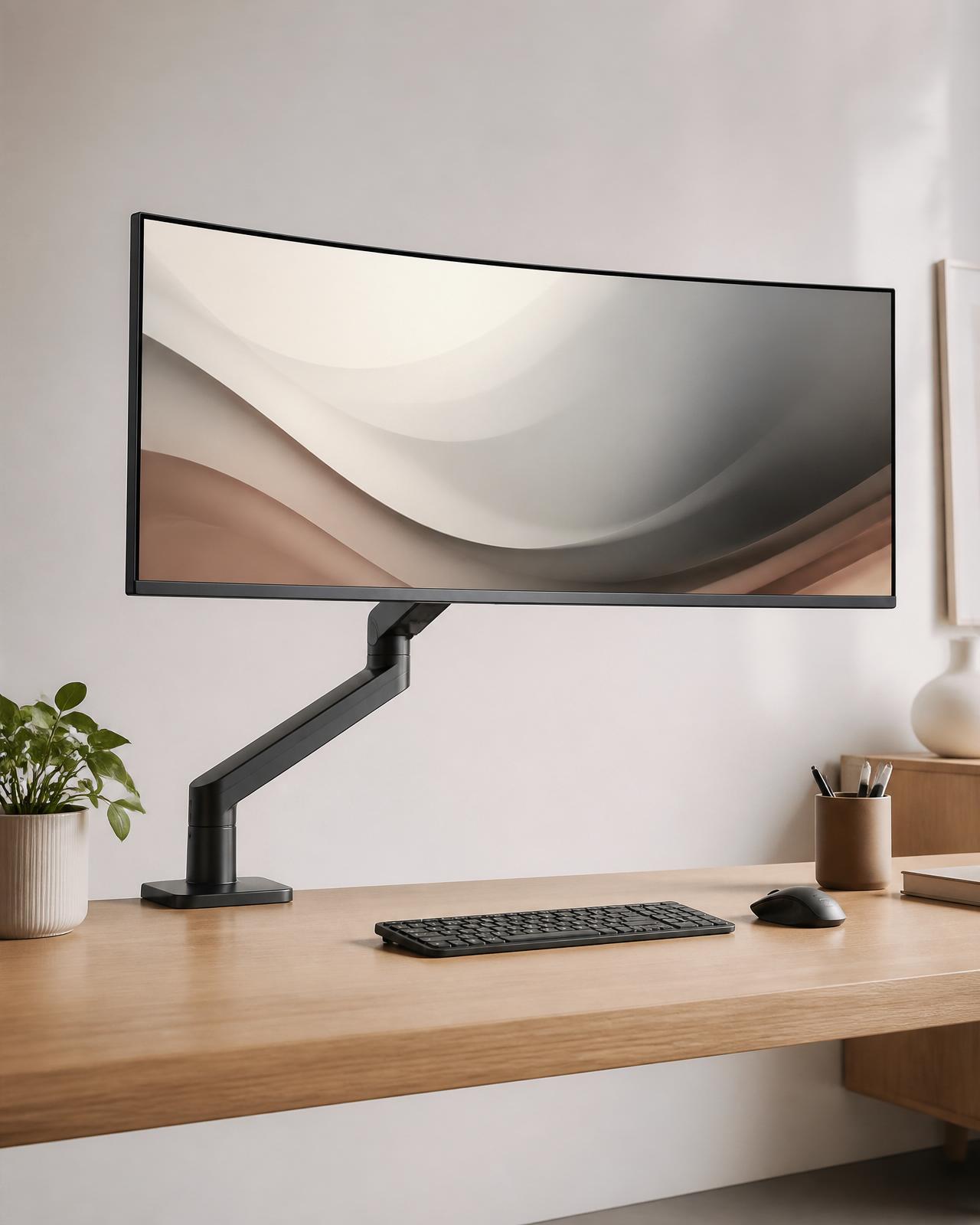
A 39-inch curved 5K2K Nano-IPS panel at retina-class 218 PPI, 120Hz, factory-calibrated to ΔE < 1. Mounted on a counter-balanced aluminium arm with 500mm of reach, full 360° rotation, and effortless one-handed adjustment. A single Thunderbolt 4 cable powers your laptop, drives the display, and hands off every peripheral on your desk.
Free shipping
30-day returns
3-yr warranty
In the box
- The Apex Display, 39" curved ultrawide
- Counter-balanced aluminium monitor arm
- Thunderbolt 4 cable, 2m braided
- HDMI 2.1 and USB-C cables, braided
- Desk clamp + grommet mount hardware
- Individually-signed calibration certificate
- USB-C drive with .icc colour profile
- Microfibre cleaning kit
Why we built it
A wider screen, without the trade-offs.
Most ultrawides are gaming-first. Saturated colours, low pixel density, plastic stands that wobble, and panels that look soft until you sit two feet away. They're built to win a spec sheet, not to be lived with.
The studio displays at the other end of the market solve the colour problem, but they're 27 inches on a fixed stand, with a single port and a price that's halfway to a car. Wide enough for design work, never wide enough for everything else.
The Apex is built around a single idea: the screen you do real work through should be as sharp as a MacBook, as wide as two monitors, and adjustable enough to disappear when you don't need it. The 5K2K panel renders text at the same density as a 27-inch 5K studio display — but stretched across 39 inches of usable real estate. A code window on the left, a browser in the middle, Slack and your calendar on the right. No alt-tabbing. No window juggling.
The arm matters as much as the panel. A fixed stand locks you into one posture. The counter-balanced aluminium arm we ship with every Apex lifts with two fingers, holds its position without drift, and tucks the display flat against the wall when you want your desk back. It's the difference between a piece of furniture and a tool.
And the cable. One Thunderbolt 4 cable from your laptop. The display charges the machine, drives the panel at full resolution and refresh, and acts as a 12-port dock for everything else. Your desk goes from a snake-pit of HDMI, USB, power, and ethernet to a single braided line.
What you'll notice
Four things you'll feel on day one.
An adjustable arm, not a fixed stand
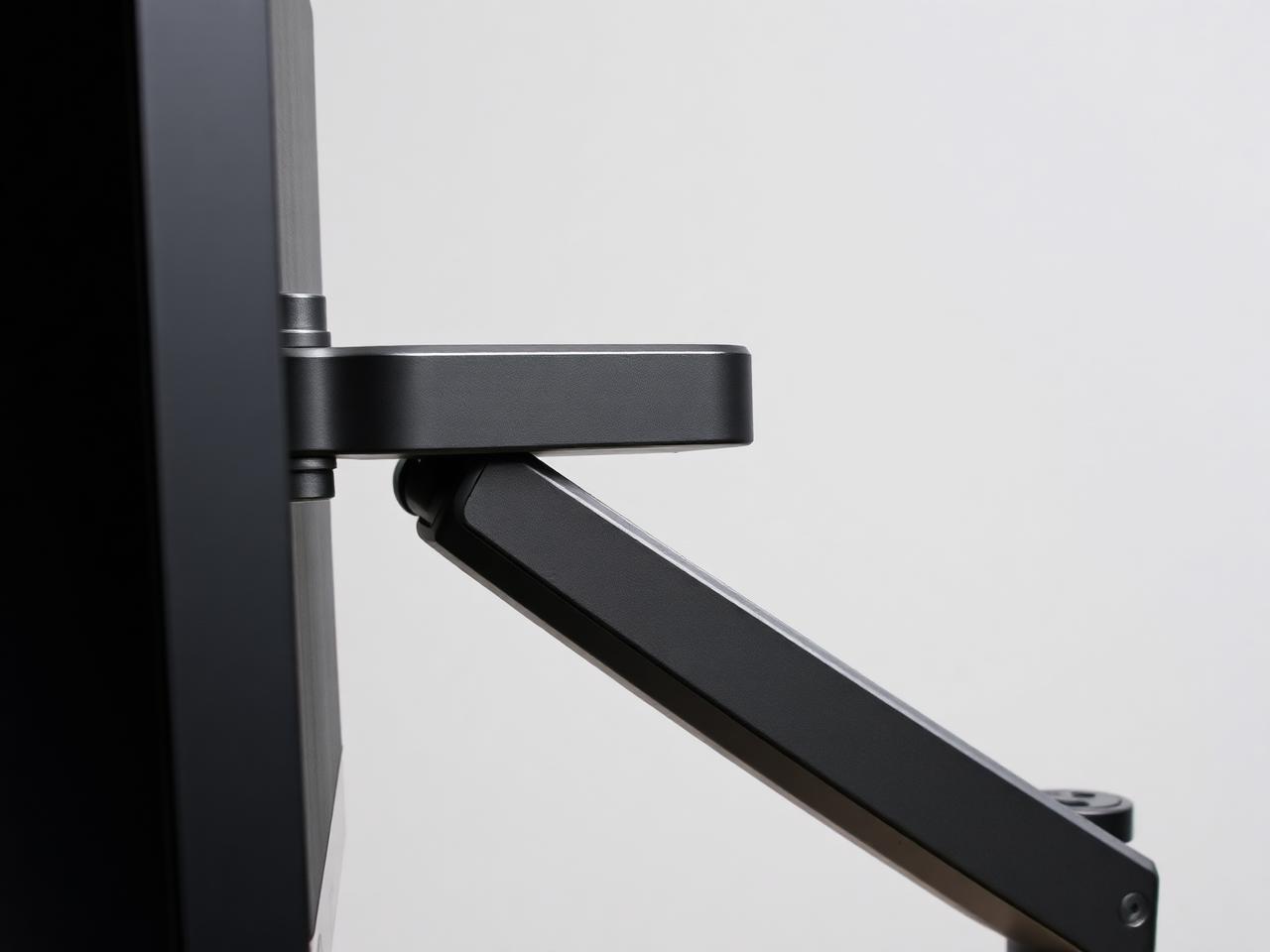
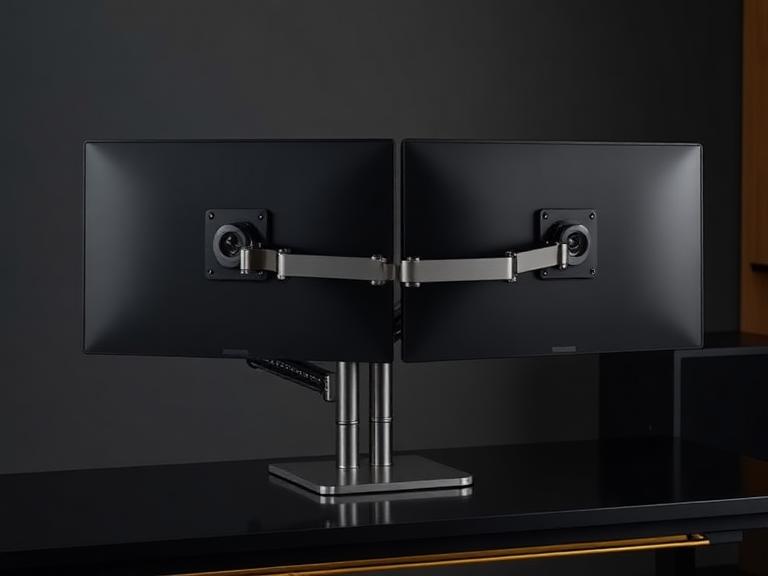
The counter-balanced aluminium arm lifts, tilts, swivels, and tucks away with one hand. Pull the screen close for detailed work, push it back for video calls, stand up and the display follows. No tools, no preset positions, no drift.
Retina pixel density, colour-true out of the box
218 PPI means text renders as crisp as a MacBook display. Every panel is individually calibrated at the factory to ΔE < 1 — the signed calibration certificate ships in the box, alongside the .icc profile on a USB drive.
One Thunderbolt cable runs everything
Plug a single cable into your laptop. The display charges it at 96W, drives the panel at full resolution and refresh, and hands off USB, ethernet, webcam, and audio. The built-in KVM lets you swap between two machines with one keystroke.
Quiet hardware, considered details
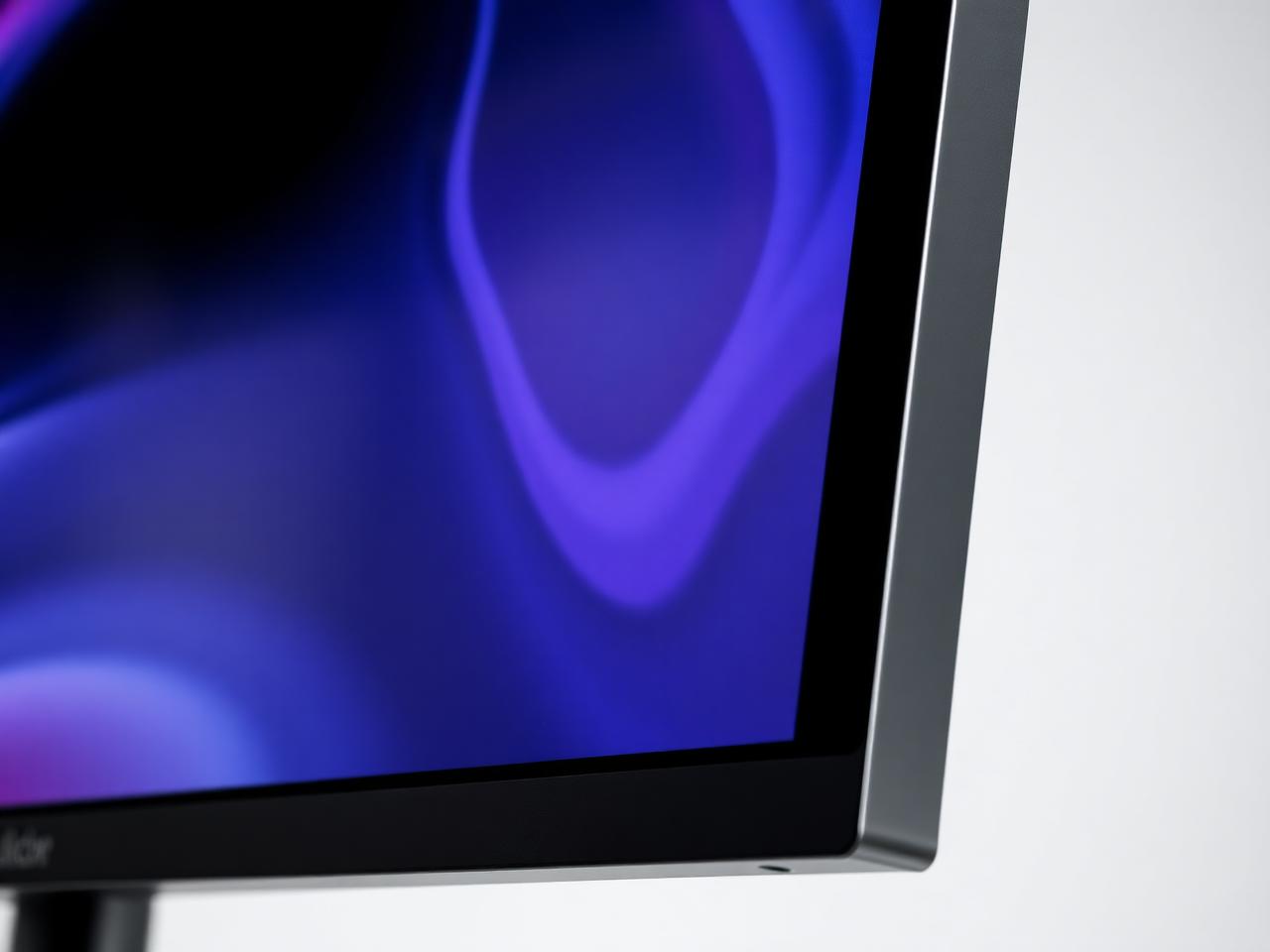
Fanless. No coil whine, no glowing logos, no breathing LED. A physical webcam shutter, a hidden cable channel through the arm, and a matte anti-glare coating that doesn't haze the image. The bezel is 4mm of brushed aluminium.
Built for
People who work in front of a screen for a living.
- Software engineers — IDE, terminal, browser, Slack, and a Figma file, all in view at once.
- Designers and photo editors — calibrated colour, 98% Adobe RGB, panel-wide canvas without scrolling.
- Video editors — full timeline, source, program, and bins on a single screen at 120Hz.
- Analysts and operators — eight columns of spreadsheet, two browser windows, and a dashboard.
- Writers and researchers — your document at full width, references and notes alongside it.
From customers
What people who own one say.
"I'd been running a triple-monitor setup for nine years. Replaced all three with the Apex and gave the others away. The colour accuracy is genuinely studio-grade."
"One cable from the laptop to the screen. Power, peripherals, ethernet, webcam, the lot. My desk has never looked this clean."
"The arm alone is worth a third of the price. Pull it close to edit, push it back for meetings, fold it away when I want my desk back. Game-changer."
Specifications
Every number that matters.
- Panel
- 39" curved 5K2K Nano-IPS, 1800R
- Resolution
- 5120 × 2160 — 218 PPI retina-class
- Refresh rate
- 120Hz, VRR 48–120Hz
- Response
- 5ms GtG, 1ms MPRT
- Brightness
- 600 nits sustained, 1000 nits peak HDR
- Contrast
- 2000:1 native, DisplayHDR 1000 certified
- Colour
- ΔE < 1 factory-calibrated, 99% DCI-P3, 100% sRGB, 98% Adobe RGB
- Bit depth
- 10-bit, 1.07 billion colours
- Ports
- Thunderbolt 4 (96W passthrough) ×2, HDMI 2.1 ×2, USB-C ×3, 2.5GbE
- Mount
- Counter-balanced aluminium arm, 360° rotation, 500mm reach
- Adjustment range
- Height 130–660mm · tilt ±45° · pan ±90°
- VESA
- 100×100 — arm is removable for third-party mounts
- In-built
- Webcam shutter, 6W speakers, 3-mic array, KVM switch
- Power
- Internal PSU. No power brick on your desk.
- Warranty
- 3 years, zero-bright-pixel guarantee
The guarantee
Live with it for 30 days. Keep it for a decade.
Use the Apex on your desk for thirty days. If it's not the best screen you've ever worked on, we'll send a courier to your door, refund every cent, and never charge you a restocking fee. Keep it, and you're covered by a three-year warranty with a zero-bright-pixel guarantee — and a flat-rate refurbishment programme that keeps the display in service long after the warranty ends.
Questions, honestly answered
Before you buy.
I already own a 4K monitor. Why upgrade?
A 27" 4K is roughly 163 PPI. The Apex is 218 PPI across 39 inches — the same density as a MacBook Pro Retina screen, but with the horizontal real estate of two 24" monitors side by side. Once you've worked on it, going back to 4K feels like dropping a generation.
Is 39 inches too big for my desk?
The panel is 920mm wide — about the same footprint as two 24" displays sitting next to each other. The arm clamps to any desk edge between 10–90mm thick, or grommet-mounts through a 10–60mm hole. We include both. Minimum desk depth is 60cm.
Will it work with my MacBook / PC / Linux box?
Yes to all three. Thunderbolt 4 over a single cable on Mac and Windows. DisplayPort Alt-Mode over USB-C for Linux. HDMI 2.1 for everything else. macOS, Windows 11, and major Linux distributions are tested in our lab against every firmware release.
What if a pixel dies?
We replace the panel. Our zero-bright-pixel guarantee covers any stuck or dead pixel for three years — not the industry-standard "more than five before we'll talk to you" policy. Out-of-warranty, we offer a flat-rate refurbishment for the life of the product.
Can I return it if I hate it?
30 days, no restocking fee, prepaid return label. We pick the display up from your door. If you decide it's not for you, we'd rather have it back than have you keep something you don't love.
Why does it cost $3,997?
Because the panel is the best 5K2K Nano-IPS made, the arm is machined aluminium (not stamped steel), and we pay a human to calibrate every unit before it leaves the factory. We sell direct, so there's no retailer margin baked in. A comparable studio display + premium arm from elsewhere lands between $4,500 and $6,000.
Ready when you are
One screen, for the next ten years of work.
We build the Apex in small batches and ship worldwide. If you'd rather talk it through first — your laptop, your desk depth, what you'll use it for — our specialists will tell you honestly whether the Apex is the right display for you.